
Repair guide · EMOVE Cruiser V2
Remove the Rear Wheel on an EMOVE Cruiser V2
Six steps in 3D, worked out from EMOVE’s factory model of the Cruiser V2. Press Start, then turn the scooter with your finger to see each part come off.
Loading the 3D guide…
Parts for this job
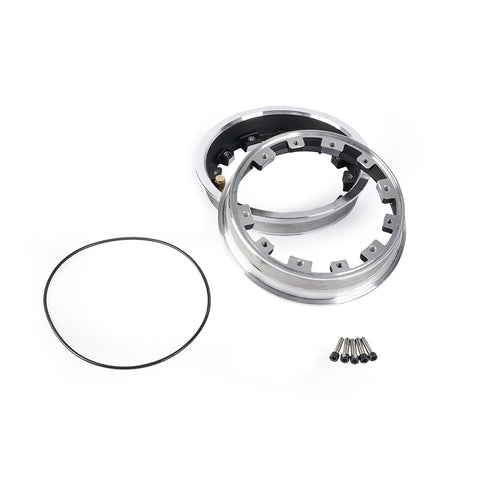
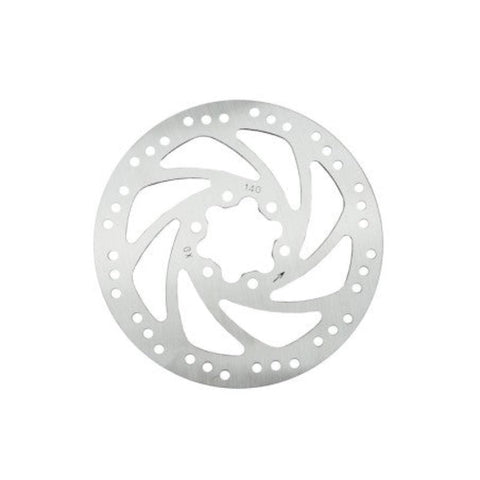
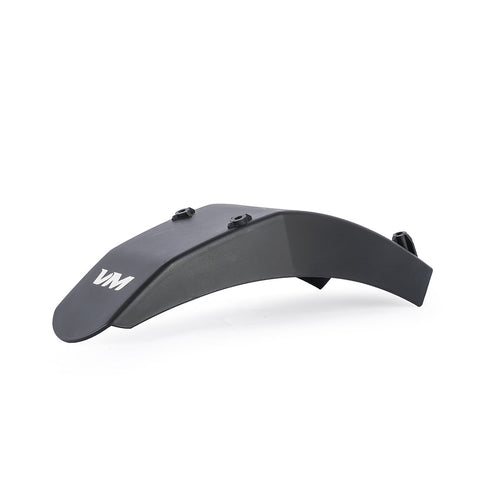
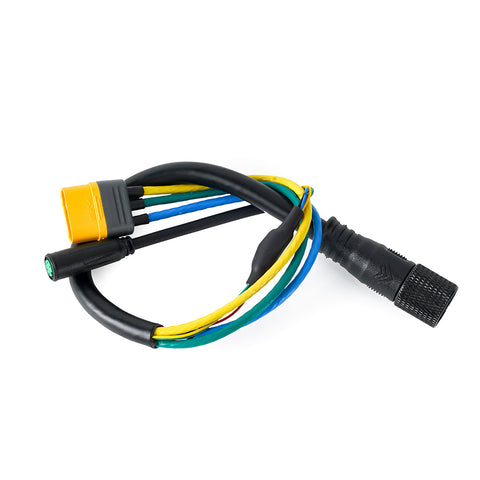
Read the steps as text
What you need
- Hex keys
- An 18 mm socket or wrench
- A sturdy block to rest the deck on
Remove the rear wheel from an EMOVE Cruiser V2
- Power off and lift the rear wheel. Turn the scooter off and unplug the charger. Rest the back of the deck on a sturdy block so the rear wheel hangs in the air and spins freely.
- Unplug the motor cable. The motor cable comes out of the axle on the brake side and runs forward along the swingarm to a round plug. Unscrew the knurled ring on the plug, then pull the two halves apart.
- Take off the brake caliper. Undo the 2 bolts that hold the red caliper to the swingarm, then lift the caliper up and off the disc. Leave the brake cable connected and let the caliper hang out of the way. Do not squeeze the brake lever while the disc is out.
- Remove the rear fender. Each fender arm is screwed to the end of the swingarm with 2 small screws, so 4 in total. The arms also close off the open end of the axle slots, which is why the fender has to come off before the wheel. Take out those 4 and slide the fender off backwards in one piece.
- Remove both axle nuts. Hold the wheel still and undo the flanged nut on each end of the axle. In the 3D model they have an 18 mm hex. Keep any washers in the order they came off.
- Slide the wheel out backwards. The axle sits in slots that open towards the back of the scooter. Slide the wheel straight back until the axle leaves both slots, keeping the disc clear of the swingarm. The wheel and motor come out as one piece.
Putting it back
Refit in reverse: slide the axle fully into both slots, fit both axle nuts, screw the fender back on, bolt the caliper back over the disc and reconnect the motor plug. Spin the wheel and check the brake stops it before you ride.
How this guide was made
These steps are worked out from EMOVE's factory 3D model of the Cruiser V2. It is not an EMOVE service manual, and the model carries no torque values, so none are given here. If something on your scooter does not match, stop and send us a photo.
Stuck on a step? Ask our team and send a photo. We will tell you what you are looking at.
